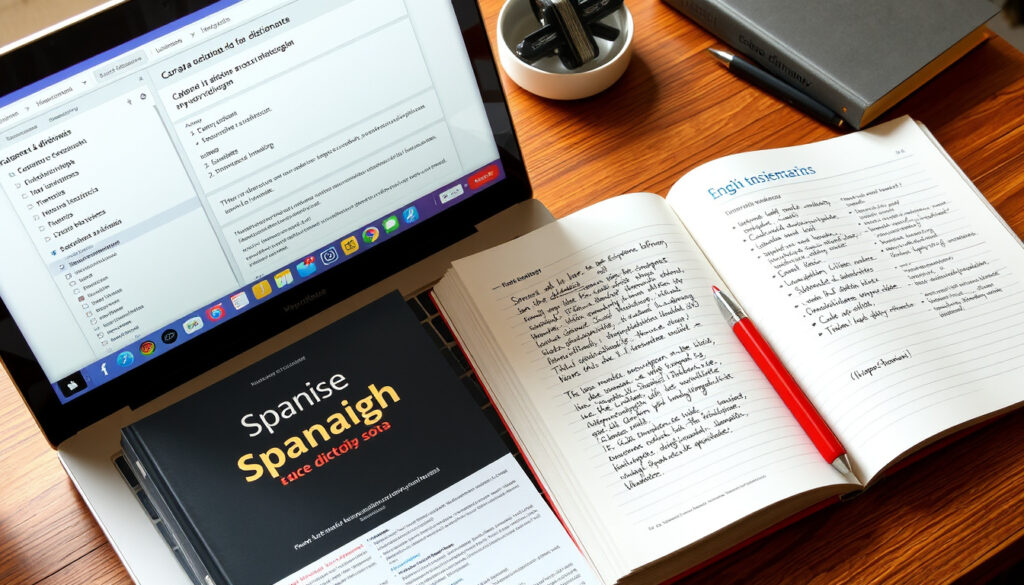
Translate Spanish to English: Best Free Tools Compared
Anyone who’s tried to translate a Spanish sentence into English knows it’s not always as simple as swapping words, so the best free tools go beyond word-for-word conversion with grammar checks, voice input, and contextual accuracy. This article compares three leading options — Google Translate, DeepL, and SpanishDict — so you can pick the right one for your specific translation need.
Languages supported by Google Translate: Over 100 ·
Words and phrases in SpanishDict: Over 1 million ·
DeepL’s claim: World’s most accurate translator
Quick snapshot
- Google Translate is free and supports 133+ languages (Timekettle (tech analysis))
- DeepL supports 26 languages with high‑quality AI translations (Alphatrad UK (translation agency))
- Modern AI voice translator apps achieve 85–98% accuracy (Timekettle) (Timekettle (tech analysis))
- Which tool is fastest for large documents
- How well each tool handles idiomatic expressions
- Whether free tools can handle specialized vocabulary effectively
- AI translation accuracy for major language pairs now reaches 85–98% (Timekettle)
- More tools add real‑time voice translation for meetings and live conversations (Transync AI)
Three free translators, one pattern: each tool excels in a different area. The table below distills their key specs for Spanish‑to‑English work.
| Feature | Google Translate | DeepL | SpanishDict |
|---|---|---|---|
| Languages | 133+ (Timekettle) | 26 (Alphatrad UK) | 2 (Spanish‑English only) |
| Free tier | Yes | Yes (5,000‑char limit per text) (Alphatrad UK) |
Yes |
| Voice input | Yes (Timekettle) | No | Audio pronunciations only |
| File upload | No (web only) | .docx, .pptx, .pdf via desktop app (Alphatrad UK) | No |
| Grammar suggestions | Offers alternative phrasings | Provides grammar‑aware alternatives (Alphatrad UK) | Verb conjugations & example sentences |
| Conversation mode | Yes (Timekettle) | No | No |
| Platform availability | Web, iOS, Android | Web, Windows, macOS, iOS, Android (Alphatrad UK) | Web, iOS, Android |
The implication: Google Translate offers the broadest language coverage and voice features, DeepL excels at document‑level accuracy, and SpanishDict is best for single‑word and phrase look‑ups with rich context.
How to Use Google Translate for Spanish to English?
Step‑by‑step guide to using Google Translate
- Open Google Translate (free web service) in a browser.
- Select Spanish as the source language and English as the target.
- Type or paste your Spanish text; the translation appears instantly. For voice input, click the microphone icon and speak in Spanish.
- To translate a web page, paste the URL or use the “Websites” option.
- On mobile, use the camera icon to point at text on a sign or menu (Timekettle).
Supported features: text, voice, and image translation
Google Translate handles plain text, voice input in both languages, and live camera translation. Its conversation mode enables back‑and‑forth speech translation for two people (Timekettle).
A traveler faced with a Spanish menu or a real‑time chat with a Spanish‑speaking colleague gets a single‑tool solution. No second app needed.
The implication: Google Translate is the most versatile free option for on‑the‑go translation, covering text, voice, and images in a single app.
Which Spanish to English Translator Is Most Accurate?
Accuracy of DeepL vs Google Translate
DeepL stakes its reputation on being “the world’s most accurate translator” and is frequently praised for natural‑sounding translations, especially for longer texts (Alphatrad UK). Google Translate, while covering far more languages, has been measured at 80–90% accuracy for supported pairs (Timekettle).
SpanishDict’s accuracy for common phrases
SpanishDict offers over 1 million words and phrases with example sentences, making it highly reliable for single‑word and idiom look‑ups. It is less suitable for paragraph‑level translation.
The trade‑off: DeepL leads on grammatical nuance and document flow; Google Translate wins on breadth and voice; SpanishDict excels at word‑level precision.
How to Translate Spanish to English with Correct Grammar?
Grammar checking features in translation tools
- DeepL frequently produces more natural‑sounding grammar and offers alternative phrasings (Alphatrad UK).
- SpanishDict provides verb conjugation tables and contextual example sentences to help you choose the right grammatical form.
- Google Translate sometimes suggests rewording, though it lacks a dedicated grammar‑check mode.
Tips for improving grammar in translations
For important texts, run the translation through two tools and compare. Use DeepL as the primary candidate, then verify tricky verb tenses with SpanishDict’s conjugation tool.
No free tool guarantees flawless grammar. The best workflow: use DeepL for prose, spot‑check with SpanishDict for verb accuracy, and rely on Google Translate for quick, casual phrases.
The upshot is that combining tools yields the best grammar results for important translations.
What Are the Best Tools for Translating Spanish Sentences to English?
Comparison of sentence translation quality
For full sentences, DeepL’s AI engine typically produces the most idiomatic English, while Google Translate handles longer texts adequately but may miss subtleties. SpanishDict is not designed for sentence translation.
Handling of idioms and colloquialisms
Idioms remain a weak spot for all free tools. DeepL and Google Translate sometimes translate literally (“estar en las nubes” might become “to be in the clouds”), whereas SpanishDict’s phrase database often includes the correct English equivalent.
The catch: for idiomatic Spanish, no single tool is fully reliable. A human review or a dedicated idiom dictionary remains necessary for crucial communications.
Which Spanish to English Translators Offer Voice Translation?
Voice translation in Google Translate
Google Translate is the only tool in this group that supports two‑way voice translation. Its conversation mode works well for live exchanges and is especially useful for people with hearing difficulties (Timekettle).
Voice input capabilities in other tools
DeepL does not offer voice input or output. SpanishDict provides spoken audio pronunciations for individual words and phrases, but not full speech‑to‑speech translation.
The pattern: if voice translation is a requirement, Google Translate is your only free option among the three. For pronunciation help, SpanishDict’s audio clips are a useful supplement.
Upsides
- All three tools are free to use
- Google Translate provides voice, camera, and conversation mode
- DeepL produces high‑quality sentence and document translations
- SpanishDict offers verb conjugations and example sentences for accuracy
Downsides
- No single tool excels at idioms and colloquialisms
- DeepL’s free tier has a 5,000‑character limit
- SpanishDict is limited to Spanish‑English and lacks full sentence translation
- Only Google Translate supports live voice input
The pattern: if voice translation is a requirement, Google Translate is the only free option among the three.
“Translate texts & files instantly from Spanish to English with the world’s most accurate translator.”
“Most accurate translations. Over 1 million words and phrases.”
“Accurate translations for words, phrases, and texts online.”
For a casual user who needs to translate the occasional word or phrase, SpanishDict is the fastest and most precise option. For anyone writing emails or longer documents in Spanish, DeepL produces the most natural English output. And when real‑time conversation or image translation is needed, Google Translate is the only tool that does it all — for free.
For those who need to work in the opposite direction, our guide on translating from English to Spanish covers the same top tools with a focus on accuracy for English input.
Frequently asked questions
Is Google Translate free for Spanish to English?
Yes. Google Translate is completely free, with no limits on text or voice translation.
Does DeepL support Spanish to English voice translation?
No. DeepL does not offer voice input or audio output in any language.
Can I translate a PDF from Spanish to English?
Yes, with limitations. Google Translate allows PDF uploads on its web interface. DeepL’s desktop app supports .docx, .pptx, and .pdf files (Alphatrad UK).
How to improve translation quality from Spanish to English?
Use DeepL for initial translation, then check tricky verb tenses with SpanishDict’s conjugation tool. For idiomatic phrases, search both tools and compare results.
Are there any offline Spanish to English translators?
Google Translate offers offline translation for 59 languages after downloading the language pack. DeepL and SpanishDict require an internet connection.
Which translation tool is best for business documents?
DeepL is generally preferred for business documents because of its high accuracy and file‑upload support. Google Translate can also handle documents but often requires manual post‑editing.
Do translation tools handle Spanish dialects (e.g., Mexican vs. Castilian)?
Google Translate and DeepL do not explicitly differentiate dialects. SpanishDict includes regional variations in its phrase database, but the translation engine is not dialect‑aware.
How to ensure privacy when using online translators?
For sensitive content, avoid free online translators entirely. DeepL offers a paid version with data‑deletion guarantees; Google Translate’s privacy policy allows use of input data for product improvement.
More related posts
 Culligan Water Near Me: Costs, Services & How to Get Started
 Squid Game Season 4 Cancelled: Creator Confirms, Spinoff Planned
 Oxycodone 5 mg Opinie: Effects, Strength & Reviews
 Josh Allen and Hailee Steinfeld: Full Relationship Timeline
 Peel and Stick Floor Tiles: Worth It? Pros, Cons, and Installation Guide
 How to Get Rid of a Canker Sore – Effective Remedies and Prevention
 Does Max Die in Stranger Things? S4 Death & S5 Fate
 How Many NBA Teams Are There? 30 Teams – Full List
